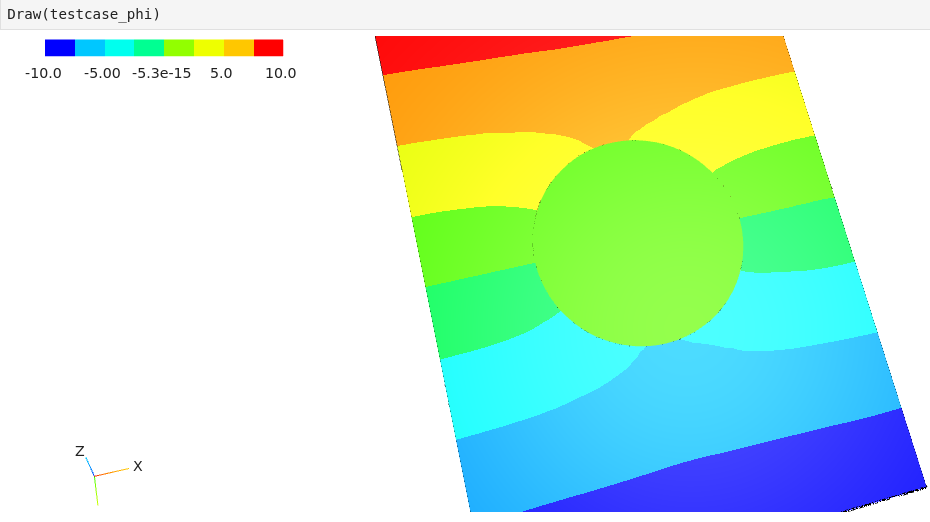
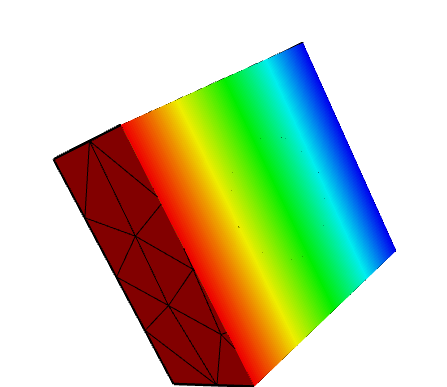
I’m seeing some unexpected behavior with dielectric materials, and I’ve decided to make a complete testcase to post here: A simple box with two Dirichlet BC at -V at Min(Z) and +V at Max(Z). The domain is air at permittivity 1.0 and the sphere is of material “dielectric” with permittivity 1.0
I would expect the potential inside the dielectric at this permittivity to be indistinguishable to an empty domain.
I’m uploading the script used to generate both the geometry and the solver. The geometry is saved as a .step and then I mesh it inside Netgen. I attach the resulting testcase.vol.gz
I also uploaded how the potential looks of the solution, and it seems like a conducting sphere inside the domain
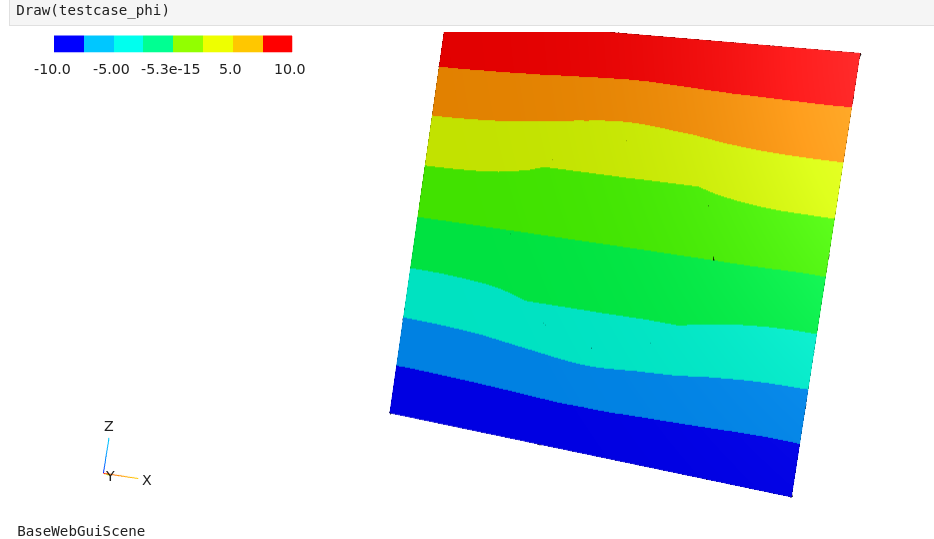
Ok I was able to get correct solution by doing the meshing inside python rather than offloading it to Netgen, I attach the corrected test case code and the resulting potential showing correct physics
The thing I would still like to know is why the mesh generation in Netgen is going wrong, I’m doing nothing else after loading the STEP geometry except click “Generate Mesh” and then save it
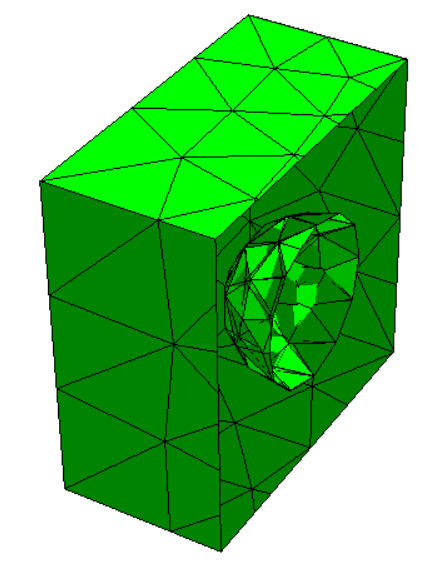
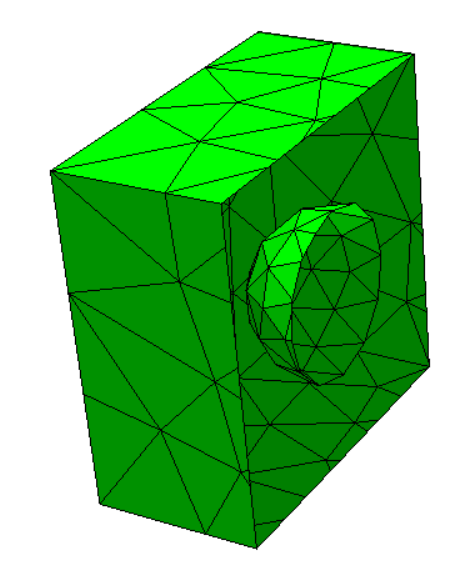
When you export the step file, information about the Glue operation is not saved. Therefore, when you mesh in Netgen or import a file, two solids are seen and meshed independently. If you view a clip of your mesh, you see this overlap.
Heal the geometry in Netgen before generating the mesh. To heal the geometry
Click on ‘Geometry’ on the menu bar
Select ‘IGES/STEP Topology Explorer/Doctor…’
In the pop-up window that shows up, make sure to deselect ‘Sew faces’ and to select ‘Split partitions’
Click on ‘Heal geometry’ and then generate the mesh from the main window. NOTE that you will lose material definitions with this method. Perhaps someone else knows how to preserve the material definitions.
I tried saving the shape as a Brep instead, I imported into netgen and generated the mesh, then loaded in python like this:
import netgen.occ as occ
import netgen as ng
import netgen.meshing as ngmesh
import ngsolve as ngs

gmesh = ngmesh.Mesh()
gmesh.Load("testcase.vol.gz")
mesh = ngs.Mesh(gmesh)
However the mesh is making python segfault when trying to set the boundary CF:
fes = ngs.H1(domain_mesh, order=2, dirichlet="bc_low|bc_high")
phi = ngs.GridFunction(fes)
bcf = domain_mesh.BoundaryCF({"bc_low": -10, "bc_high": 10})
phi.Set(bcf,ngs.BND)   #<---- seems to be crashing here
I had a look and ran into the same error as you did. When you save to .brep, information about the material and boundary is lost. You can inspect the information stored in the .step or .brep files with any text editor.
You can check the material and boundary information of your mesh after importing using mesh.GetMaterials() and mesh.GetBoundaries(), respectively. When you start with a .step, generate, save and load a mesh, what you get from
This is why you get the error when trying to set the Dirichlet boundary condition on “bc_low|bc_high”; they don’t exist on the mesh. I’m unsure how to name faces on a mesh.
as far as I know opencascade does not provide a generic way to attach such information to shapes.
You can pickle the geometry. Then we save brep + properties (names, maxh,…)